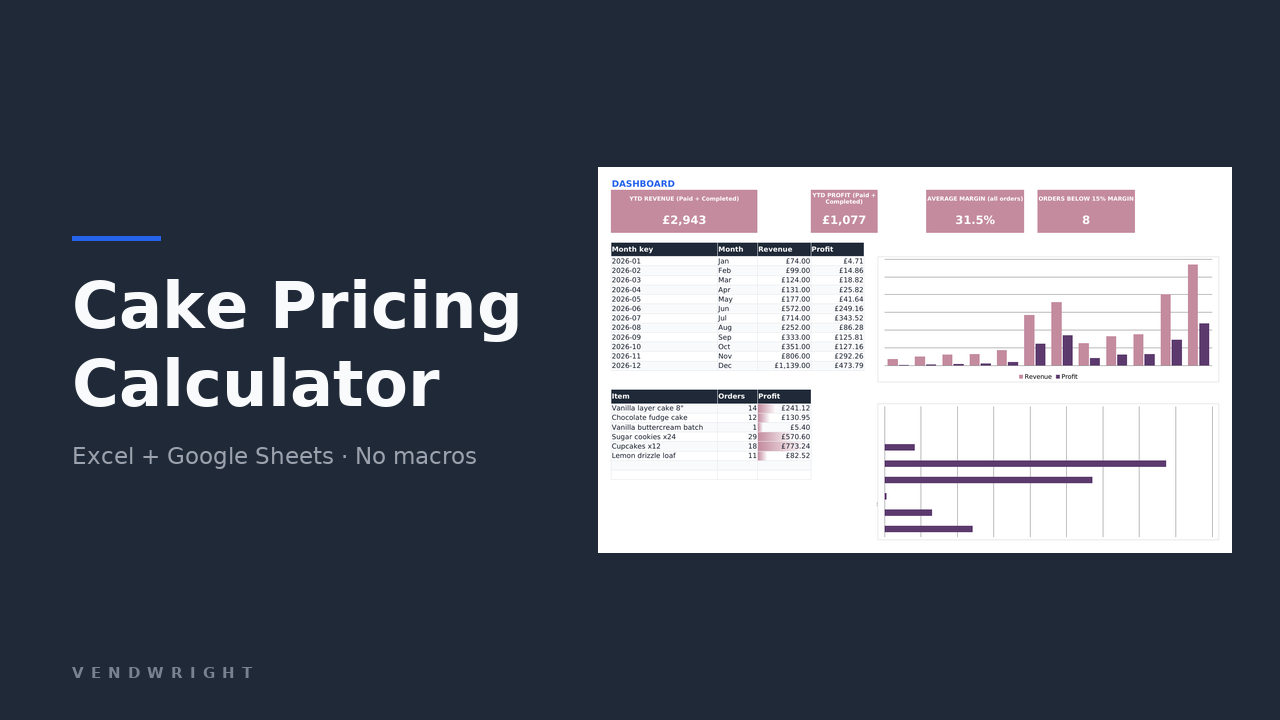
Cake Pricing Calculator
Costs every ingredient the way you actually buy it, then adds packaging, overhead, delivery and your own hourly wage to reach a price that hits your margin.
Seven spreadsheet templates for the sums that are fiddly and expensive to get wrong: pricing a cake, budgeting a renovation, settling an estate, getting your own affairs in order, running short-term lets, selling digital products, keeping books for Making Tax Digital. Each one is a single .xlsx file. Checkout is not open yet, so the six paid templates cannot be bought today. The free sales tracker and the calculators below both work now.
Six priced €7 to €13, and one that is free to download right now. Each arrives full of realistic sample data, so you can watch the mechanics work on somebody else’s money before you trust them with yours. Clearing it takes about two minutes, and the file tells you which cells to empty.
Six of the seven work in any country and in any currency: the currency is a dropdown of eleven codes with a free-text box for anything not on the list, and no tax rate or filing deadline is baked into the arithmetic. The MTD bookkeeping workbook is the deliberate exception. It is for the United Kingdom only and its card says so.
Costs every ingredient the way you actually buy it, then adds packaging, overhead, delivery and your own hourly wage to reach a price that hits your margin.
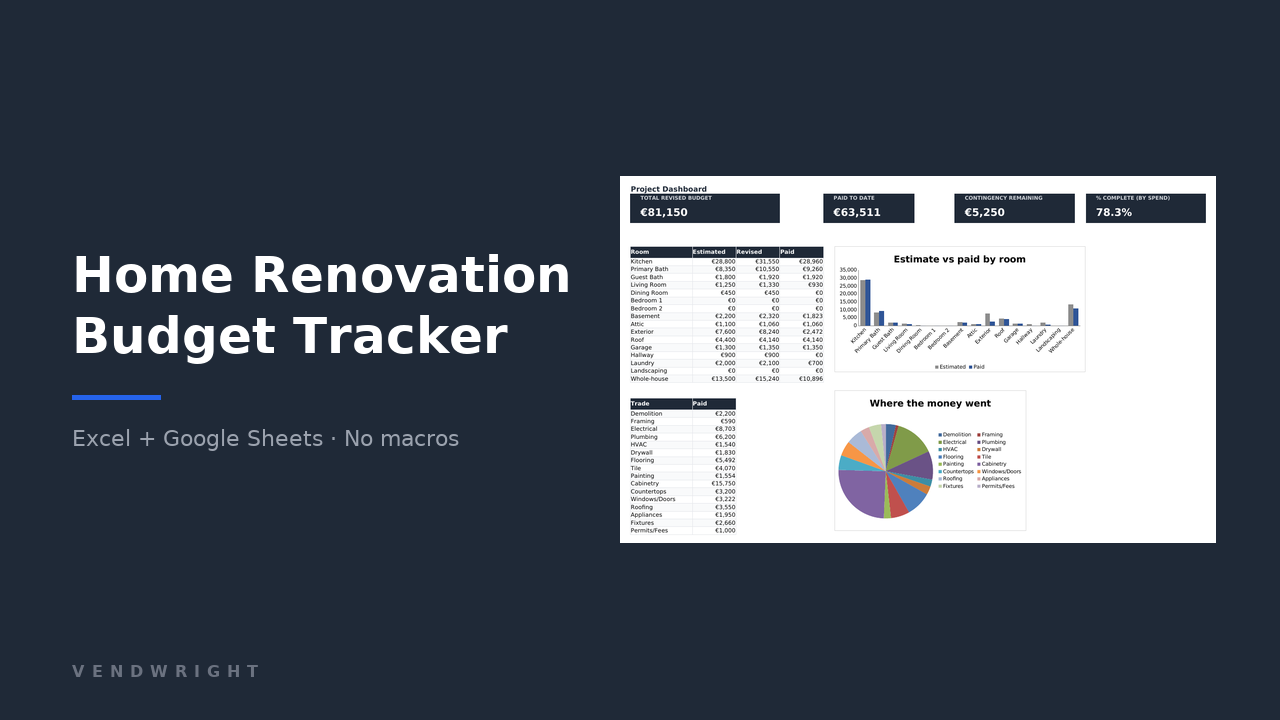
Tracks renovation spend room by room, compares contractor bids on true all-in cost, and logs every change order against the budget it moves.
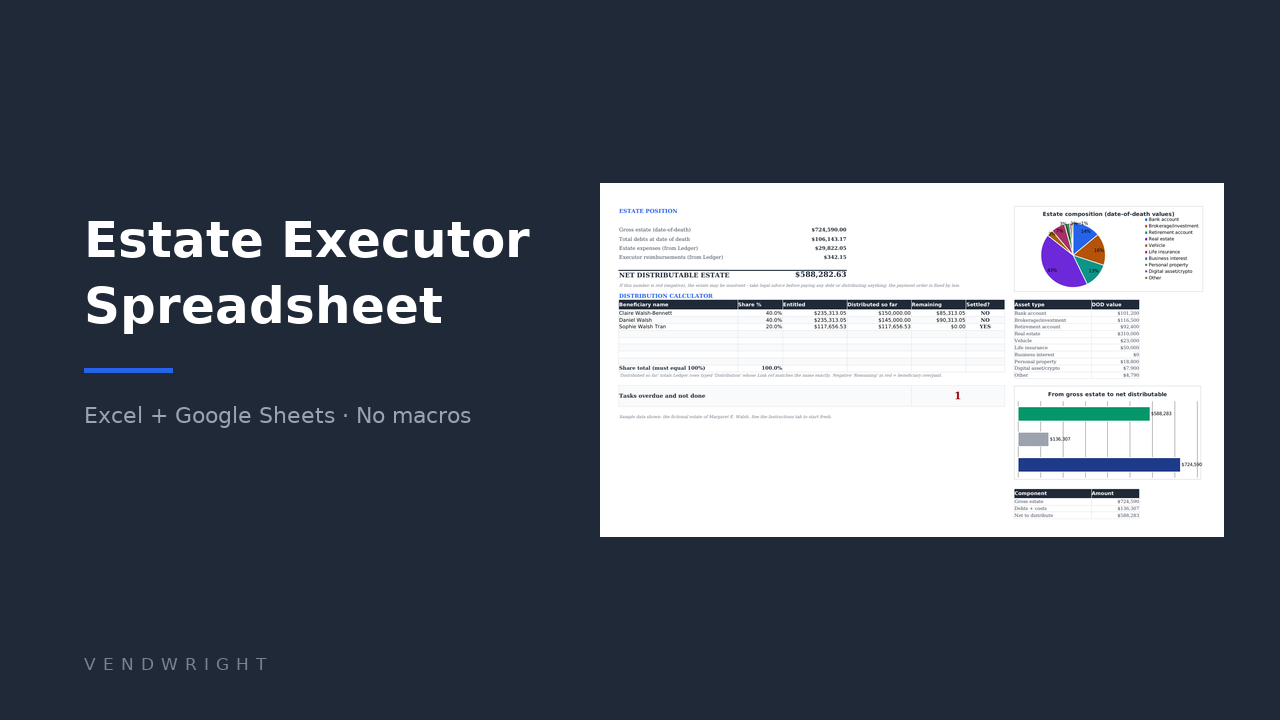
One workbook for what an estate owns, owes, pays and distributes, with a date-of-death inventory, a running estate ledger and 40 probate tasks. Any currency, and it prints no country’s deadlines.

The file you fill in about yourself: where the documents are, which accounts exist, what the direct debits are for, and what you would like to happen.
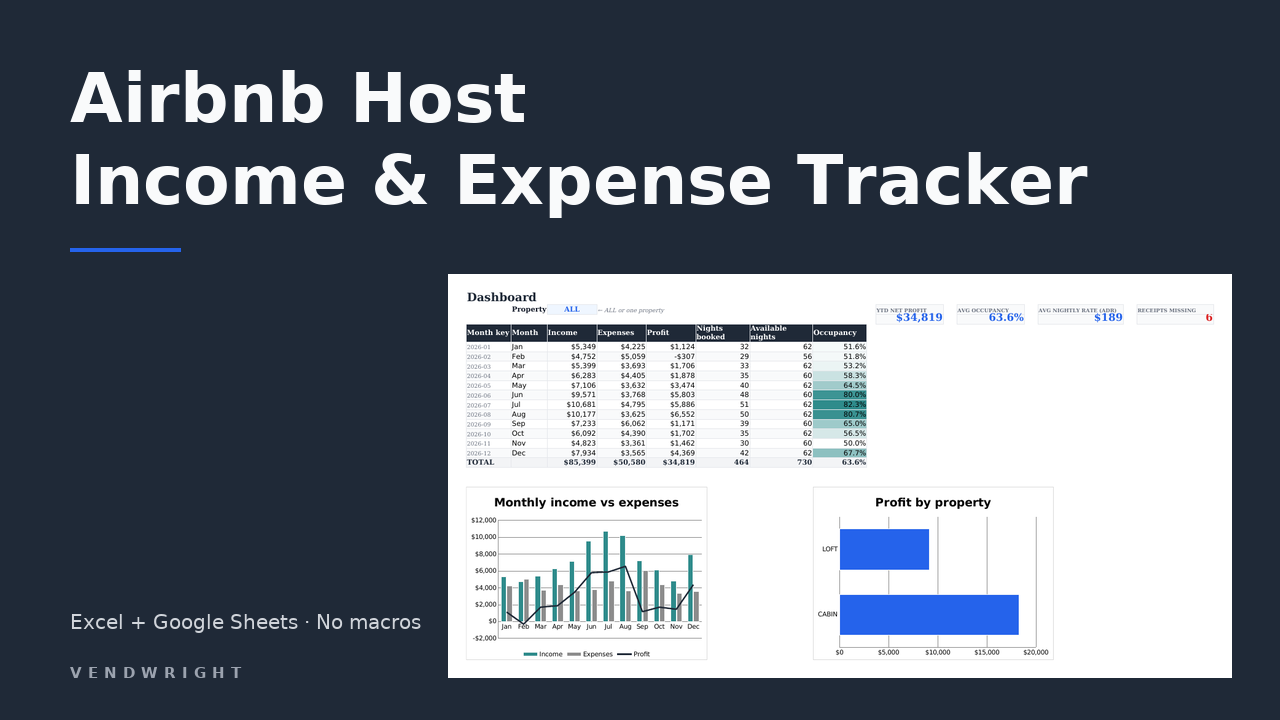
Bookings, costs, occupancy and profit for up to ten short-term rentals. Any currency. Expense categories carry US Schedule E line labels, which you rename in one place if you file somewhere else.
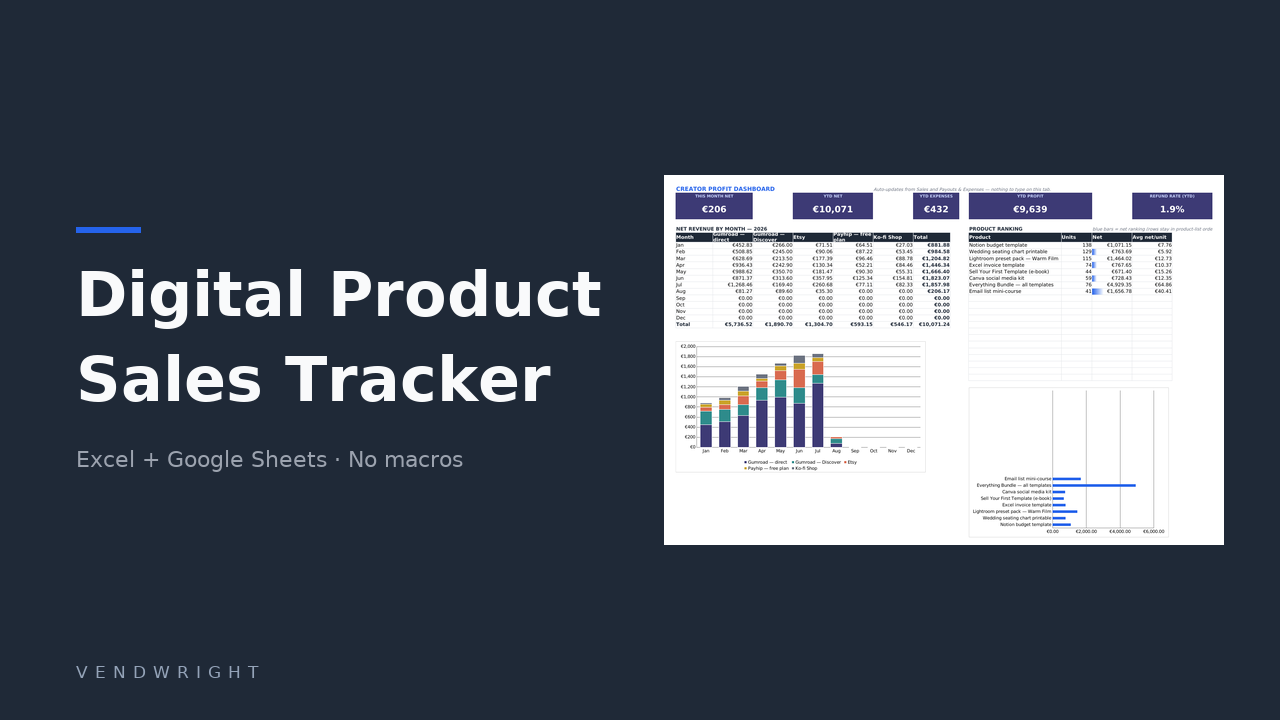
Log a sale, pick the platform, and see what you actually kept. The fee chains for Gumroad, Etsy, Payhip, Ko-fi and Lemon Squeezy are already in the file.
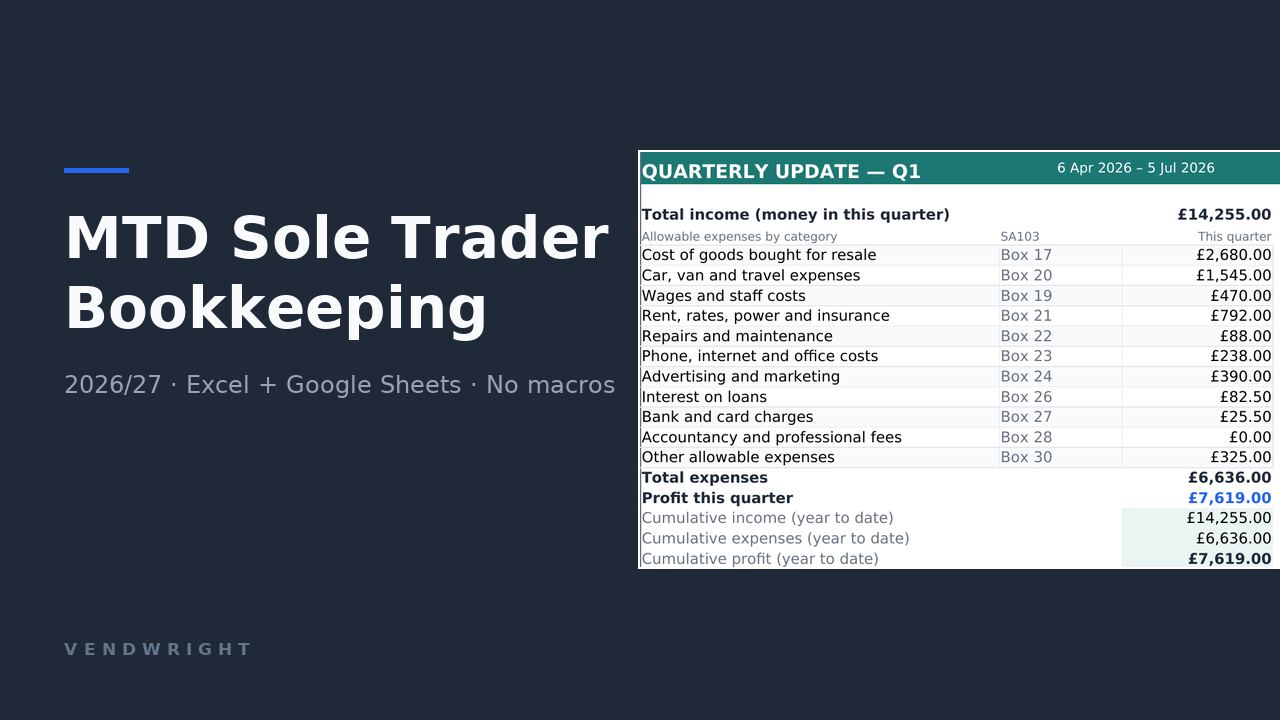
United Kingdom only, and pounds sterling only. Bookkeeping built around Making Tax Digital: SA103 expense categories, automatic MTD quarters and four print-ready quarterly summaries.
Six calculators that run in your browser. Nothing you type leaves your computer, and not one of them asks for an email address. Four of them carry a currency selector and assume nobody’s tax rules; the Making Tax Digital checker is about UK rules and says so on the tin.
Cost a recipe by pack size, add your hours, overhead and target margin, and get a price and a price per serving.
How much to add to a renovation quote, based on the type of work, the age of the property and the risks you already know about.
The occupancy a short-term let needs before it covers its costs, plus net profit, net margin and a comparison against letting long term.
What you keep on Gumroad, Payhip, Ko-fi, Lemon Squeezy and Etsy, with the 2026 fee chains and VAT handled properly.
UK only. Whether MTD for Income Tax applies to you yet, when your quarterly updates are due, and what HMRC expects a spreadsheet to record.
Answer five questions and get a printable executor checklist with typical probate target dates for each task. It names no country’s deadlines, because they are not the same anywhere.
No account, no trial that turns into a bill, nothing to install.
Checkout is not open yet, so nothing here can be bought today. When it opens, it is handled by Payhip or Gumroad, who take the payment, deal with any VAT and email the receipt, and the download link appears as soon as the payment clears, usually within a few seconds.
Formulas only, no macros, no add-ons and nothing that phones home. It opens in Microsoft Excel 2010 or later, in Google Sheets via File → Import → Upload, and in LibreOffice Calc.
No licence check, no expiry. Every formula is visible and editable, so you can take the file apart and put it back differently. There is no update service either: what you download is the file as it is today.
Write to support@vendwright.com and say which app you opened the file in. If something is broken we fix it or refund you.
Payhip and Gumroad act as merchant of record where applicable, which is why your receipt comes from them. An instant download also changes how the 14-day right of withdrawal works. The terms of sale explain how, including the case where the checkout never asked you to give that right up: then you keep it.